Your car, or the example car
A portrait is all you need to start. Add a whole-car photo to change the vehicle; leave it empty to keep the example car.
 Genjutsu AI
Two cards. Your car reveal.
Make the 24 Car Trend from your photo: show the 2 and 4 cards, cover the lens, then reveal a car behind you. Add an optional car photo. A 13-second landscape video in 480P or 720P.
One adult portrait. Add your car if desired, then choose a background.
Example video
Follow the example from the cards to the reaction. These stills explain the format; your AI result can vary.
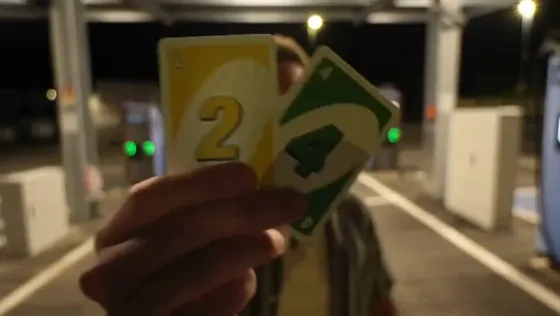
The 2 and 4 cards move close to the lens.
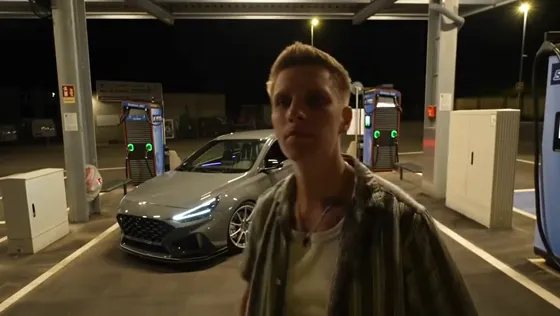
The cards drop and the parked car comes into view.
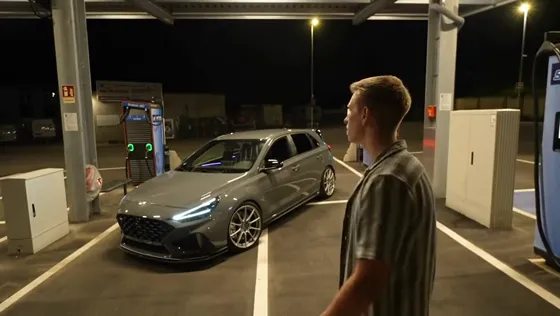
The performer turns toward the car.
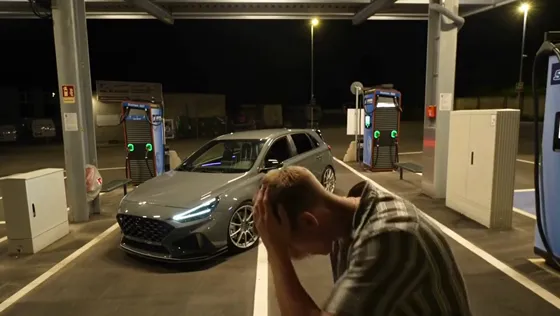
Hands on head complete the reveal.
Also called 24 Car Trend or UNO card car reveal, this effect uses two number cards to cover the lens before a car appears. This template follows the nighttime charging-station scene in the example. Your portrait supplies the person; an optional second image supplies the car. No filming, written prompt or source-video upload is needed.
A portrait is all you need to start. Add a whole-car photo to change the vehicle; leave it empty to keep the example car.
Keep the charging station, upload an empty scene, or describe a setting for AI to create. The car and background have separate inputs.
A 13-second landscape MP4 with the template soundtrack. 480P uses 1 video use; 720P uses 2. Download the result from My videos.
Use one sharp adult portrait with visible hair and clothing. For a custom vehicle, show the whole car in good light, with no people or obstructions. Cover sensitive plate details before uploading. The car, hands, number cards and exact transition can vary; review the result before sharing. For a background, use a wide empty scene without people or cars, with level ground where the performer and vehicle can stand.
Choose one clear photo of an authorized adult, with face and outfit visible.
A portrait is all you need to start. Add a whole-car photo to change the vehicle; leave it empty to keep the example car. Keep the charging station, upload an empty scene, or describe a setting for AI to create. The car and background have separate inputs.
Choose 480P (1 video use) or 720P (2 uses). Check the card cover, reveal and identity, then download from My videos.
It is the 2-and-4 card car reveal: the performer covers the camera with two cards, drops them, and a car appears behind them. People also call it the 24 Car Trend or UNO card car reveal.
Yes. Use this tool in your browser on a phone or computer. Upload one authorized adult portrait, open Customize car & background only if you want to change them, then choose 480P or 720P. You do not need physical cards, a filmed car reveal or an editing app. Sign in and check your video uses before generating.
Yes. Add a second photo showing the whole vehicle from the side or a three-quarter angle. It is used as the car reference, not as another person. Exact badges, plates, wheels and body details are not guaranteed.
Yes. Keep the default charging station, upload a wide environment photo, or describe a new scene for AI to create. AI mode creates an empty background first, then uses it for the video. There is no separate free background preview; hands, lighting and scene details may vary.
The example is free to watch. Personalized generation requires sign-in and available video uses. 480P costs 1 use and 720P costs 2. See Pricing for current packages; technical generation failures return the reserved uses.
The model is instructed to preserve your likeness and follow the card cover and reveal. Fingers, card numbers, vehicle details, background and timing can change. The example illustrates the effect, not a guarantee of identical output.
The finished video includes the template soundtrack. The language selector does not change its lyrics or voices. View it beside the tool or open My videos from your account menu to download the MP4.
Use only adult portraits and car images you own or have permission to use. Check visual, brand and music rights before sharing or commercial use, and label realistic AI content where required. This independent tool is not affiliated with any artist, car maker, card brand or social platform.
Choose your portrait. Customize only what you need.
Compare Hotel Lobby, Zombie Couple and Bulin 47 / Burning Bridges with playable examples, photo requirements and a direct route to each generator. Alors on Danse · Nicole Kidman Dance · Closed on Sunday.
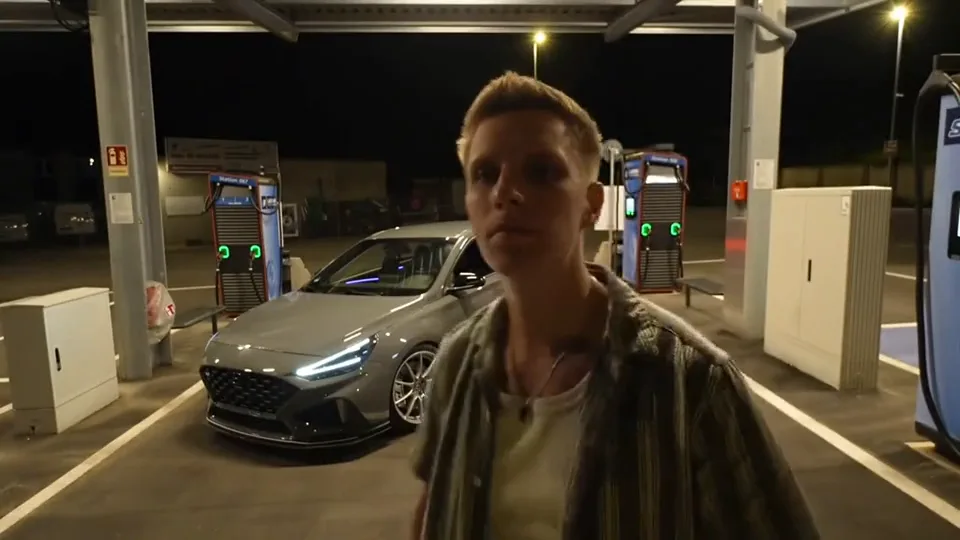 Example video
13 seconds · card-to-car reveal
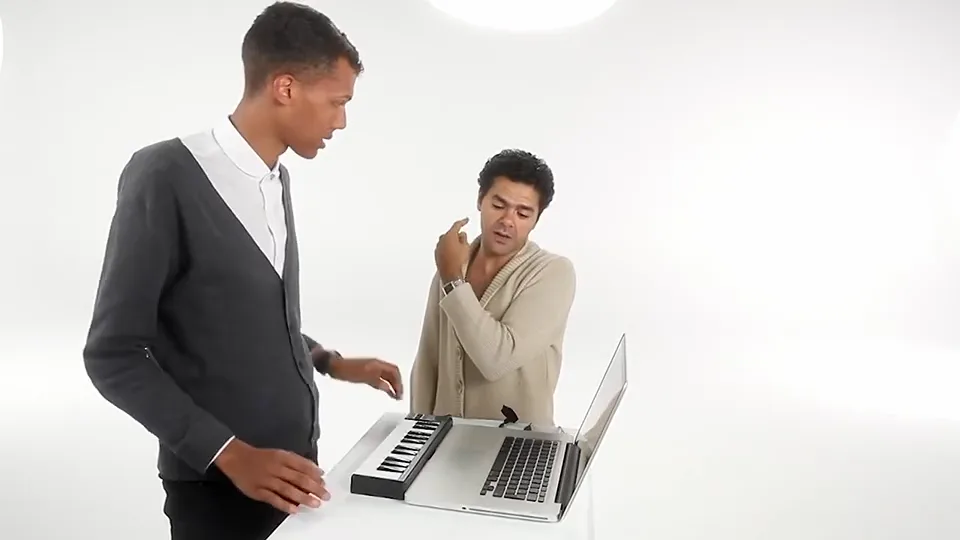 Example video
Two photos. One white-studio duet.
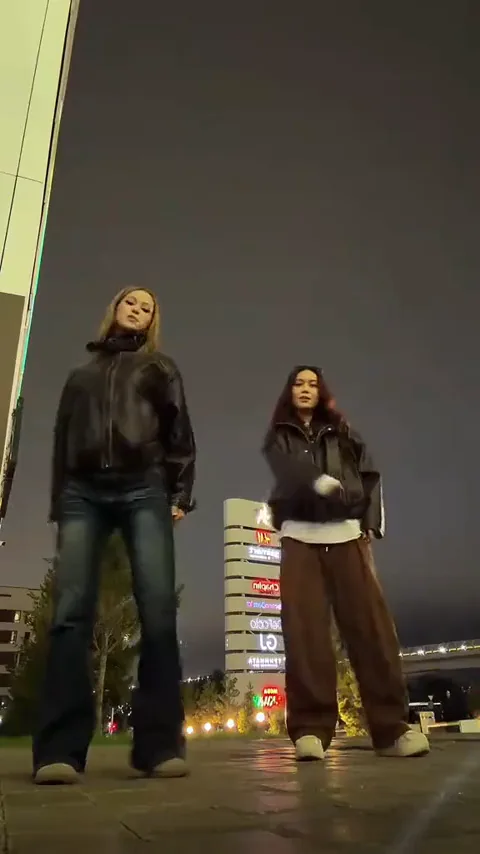 Example video
Two dancers. The ADÉLA trend.
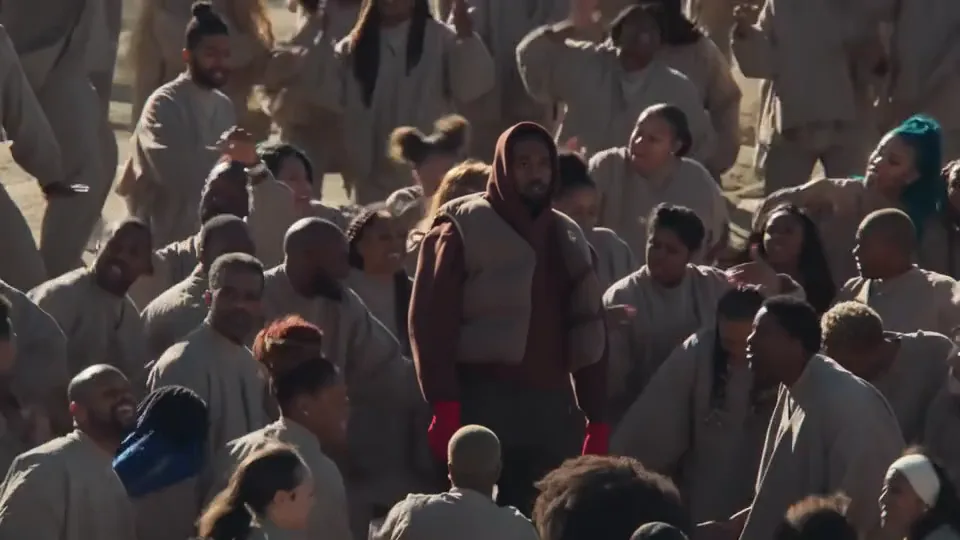 Example video
One portrait. A choir around you.
 Example video
Create a two-person orange-booth performance from photos.
 Example video
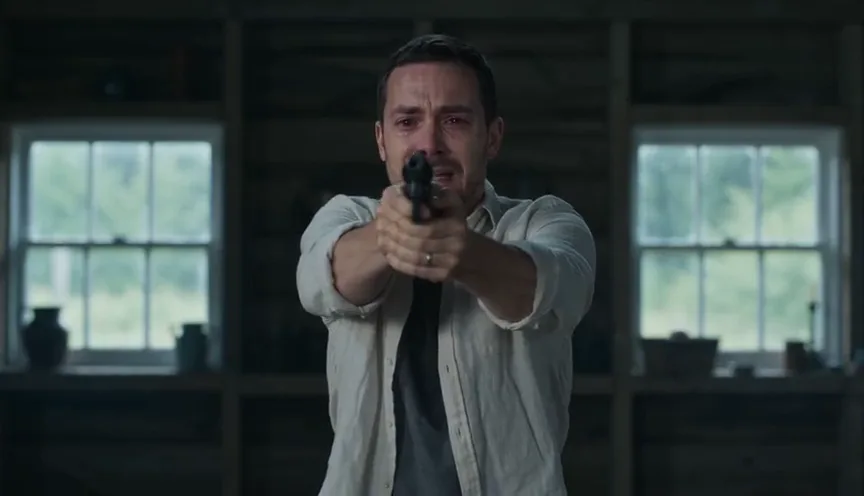
See the zombie love-story sequence: encounter, recognition, hug, flashback.
 Example video
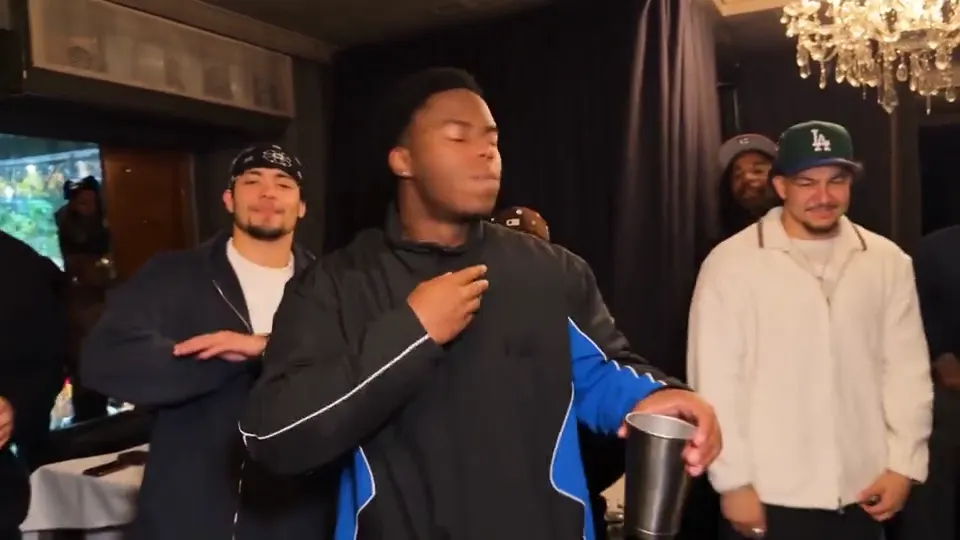
Your portrait as the lead in a chandelier-lit party.
 Example video
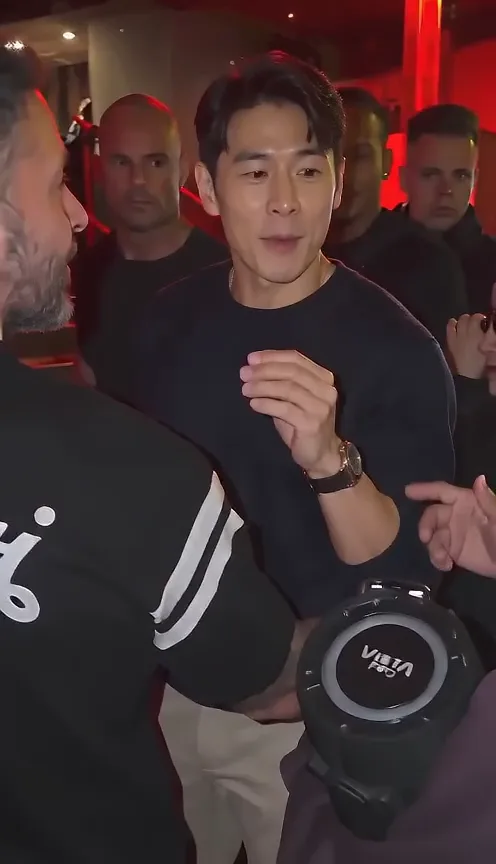
Replace the lead while keeping the street-performance format.