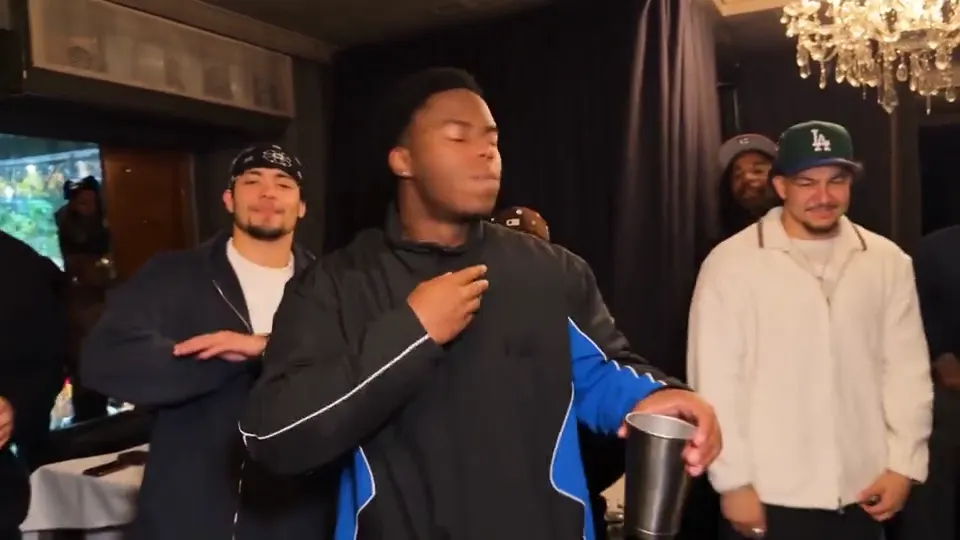
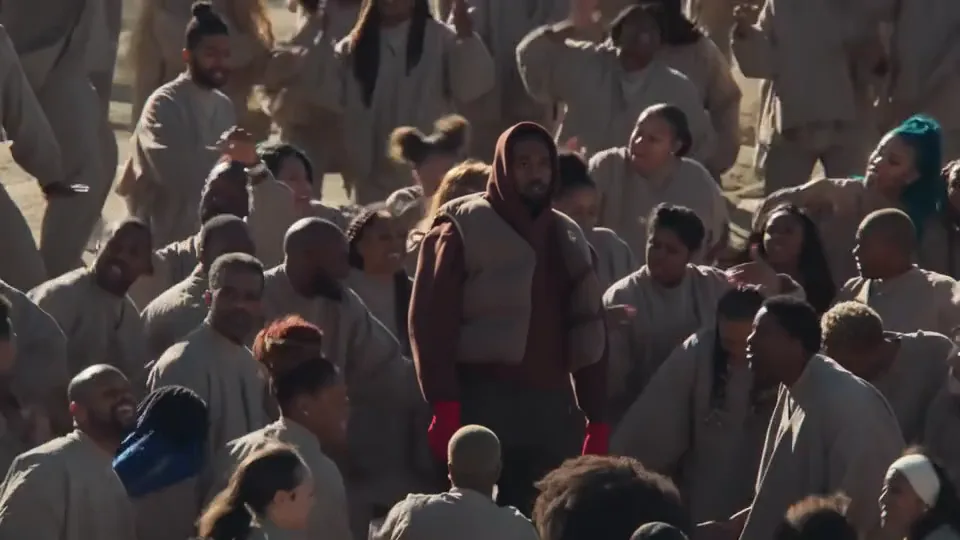
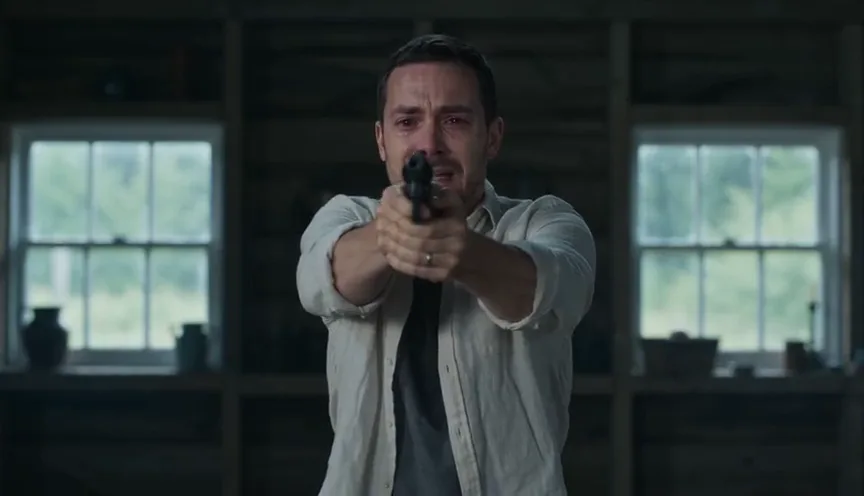
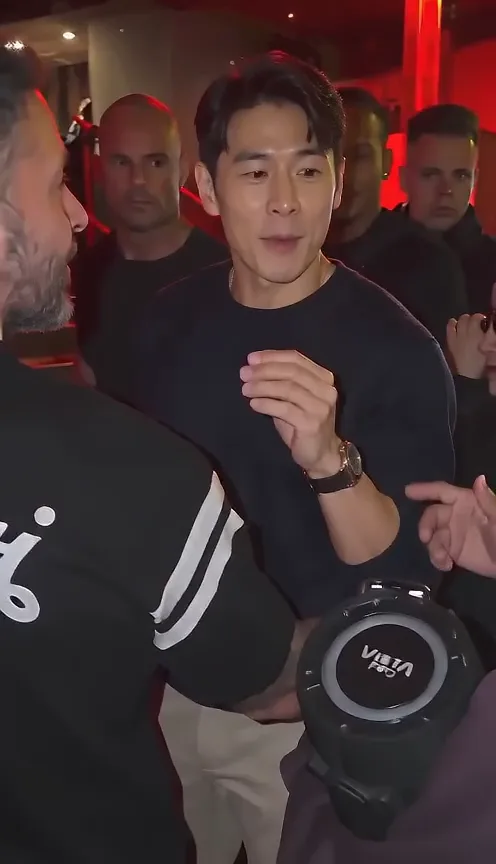
Put yourself at the center of a warm-lit party. Upload one adult portrait to create a 15-second Burning Bridges AI video with cup gestures, relaxed movement and the template soundtrack.
Upload one authorized adult portrait. The built-in 15-second scene supplies the warm lighting, crowd and cup performance. Choose 480P or 720P without finding a source clip, writing a prompt or opening CapCut. This independent tool is not affiliated with Drake or the original video rights holders.
Get a clearer result from one photo
Use a sharp, well-lit front or three-quarter portrait. Show the outfit you want, and keep your eyes and face visible. Avoid group photos, sunglasses and heavy filters. The central performer changes; the background party is intended to stay.
From references to your video.
Upload your portrait
Use a sharp photo of one consenting adult. A clear face and visible clothing help preserve your appearance.
Choose quality and generate
480P uses 1 video; 720P uses 2. Sign in with sufficient video uses to generate a 15-second video. 480P is the default.
Watch and download
Preview the 15-second MP4 with the template soundtrack. Download it here or find it later in My videos.
Burning Bridges AI video generator FAQ
What is the Burning Bridges AI video generator?
It is a one-photo party-video template inspired by the Burning Bridges trend, sometimes called the Drake “where she at” trend. A lead performer holds a cup, dances and looks across a chandelier-lit room. This is an independent AI tool, not an official artist service.
Does the video include the template music and vocals?
The application restores the template soundtrack after generating the visuals. It does not clone your voice. Generated mouth movements may not match every word.
Do I need a prompt, CapCut or Higgsfield?
No. Upload a portrait, choose quality, confirm permission and generate in your browser. The scene, target performer and performance direction are preset.
Which person does my portrait replace?
Your portrait replaces only the central cup-holding lead in the blue-and-black tracksuit. The model is instructed to keep the crowd, chandeliers, tables and camera movement. Details and motion can vary; exact frame matching is not guaranteed.
What kind of photo works best?
Use one clear photo of an adult you are authorized to depict, with visible facial features and the desired clothing. JPG, PNG and WebP up to 10 MB are supported.
Is Burning Bridges AI free, and which quality can I choose?
Public examples are free to watch; personalized video generation is paid, with no free generated-video preview. Sign in with sufficient video uses. A 15-second 480P video uses 1; 720P uses 2. 480P is the default. See Pricing for packages.
Can I make a Burning Bridges AI video on my phone?
Yes. Use your mobile browser to upload, generate, preview and download the landscape 15-second MP4. No separate editing app is required.
Is this official, and can I share the result?
Genjutsu AI is independent and is not affiliated with Burning Bridges. Only upload your own or authorized photos. Check rights to the visuals and soundtrack before publishing, especially for commercial use.
AI Video Tools
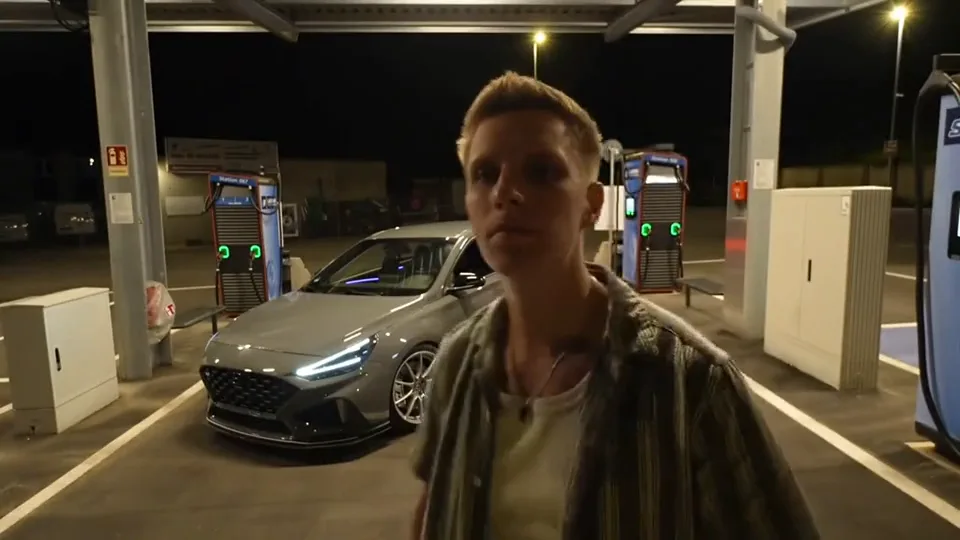
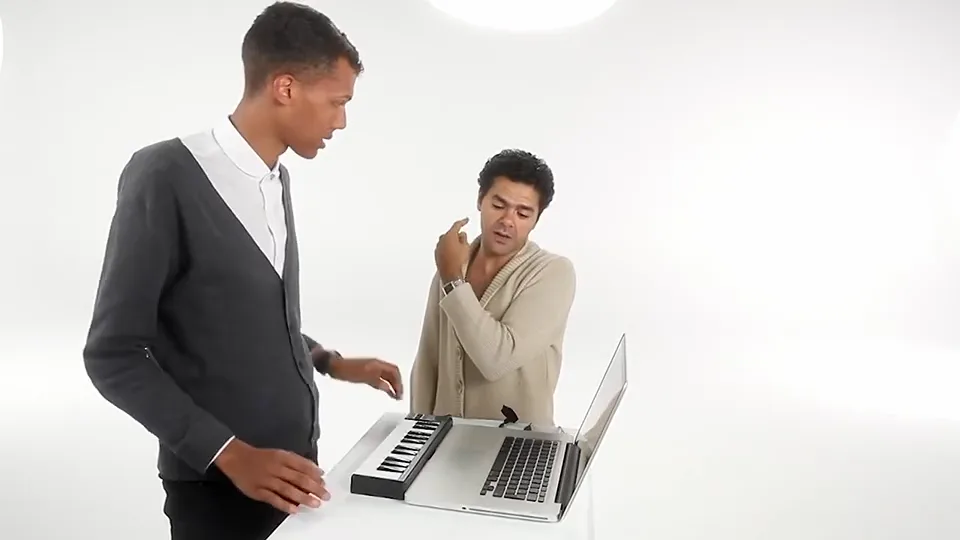
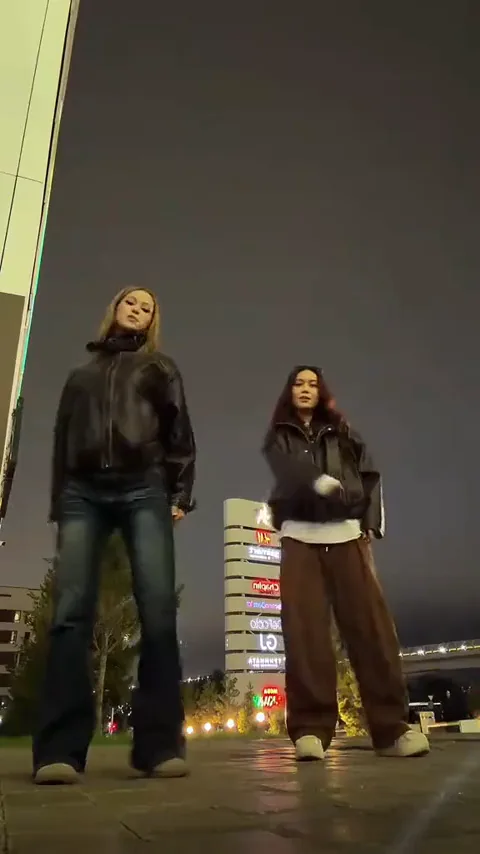
Compare Hotel Lobby, Zombie Couple and Bulin 47 / Burning Bridges with playable examples, photo requirements and a direct route to each generator. Alors on Danse · Nicole Kidman Dance · Closed on Sunday.